IT / MSP Helpdesk
Ticket intake, an SLA-tracked board, linked client + asset inventories, and tracked hours that turn into an invoice.
A simpler alternative to ConnectWise, Autotask, and Zendesk for 2-40 people— Konduit Pro is $10 a seat, published.
A complete helpdesk for a managed-services provider or internal IT team: a public ticket-intake form that opens tickets, a drag-and-drop ticket board, a client book and a tracked asset inventory that stay linked to every ticket, SLA reminders, and new-client onboarding automation. Engineer time is tracked per ticket and split between contract-covered and billable, so an hourly invoice comes straight off the hours you already logged. Everything ConnectWise or Autotask does for a small shop, without the price or the learning curve.
See inside
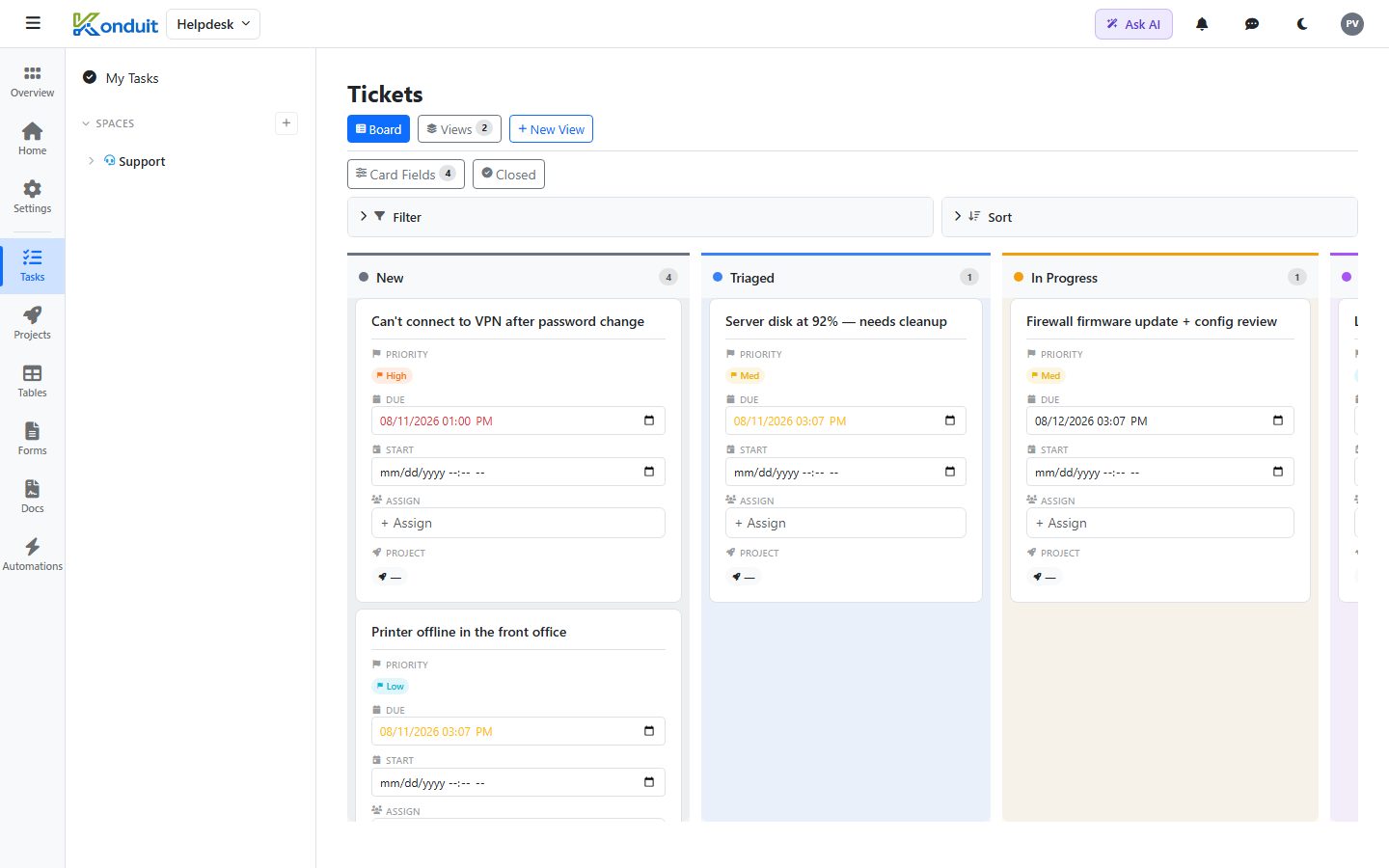
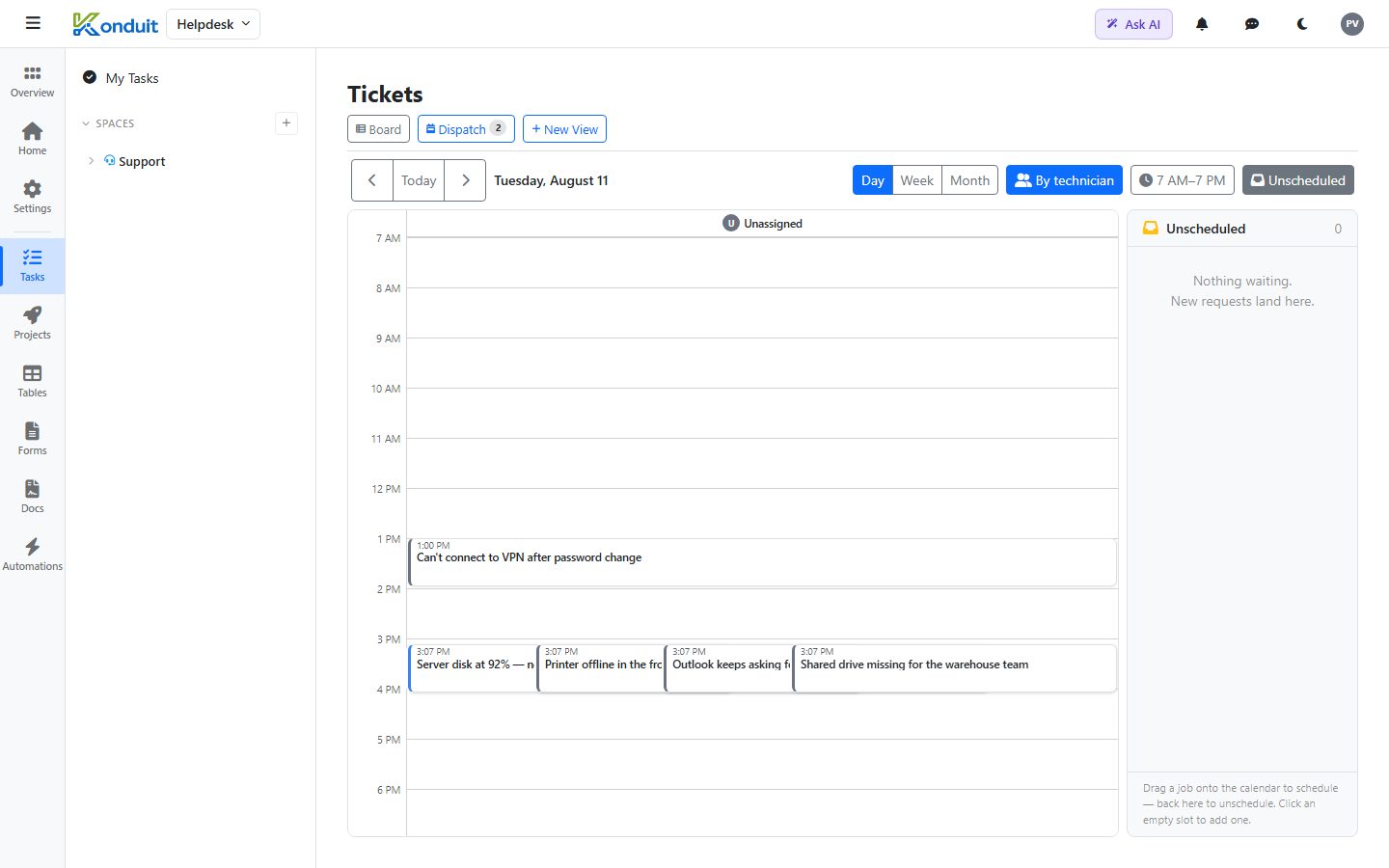
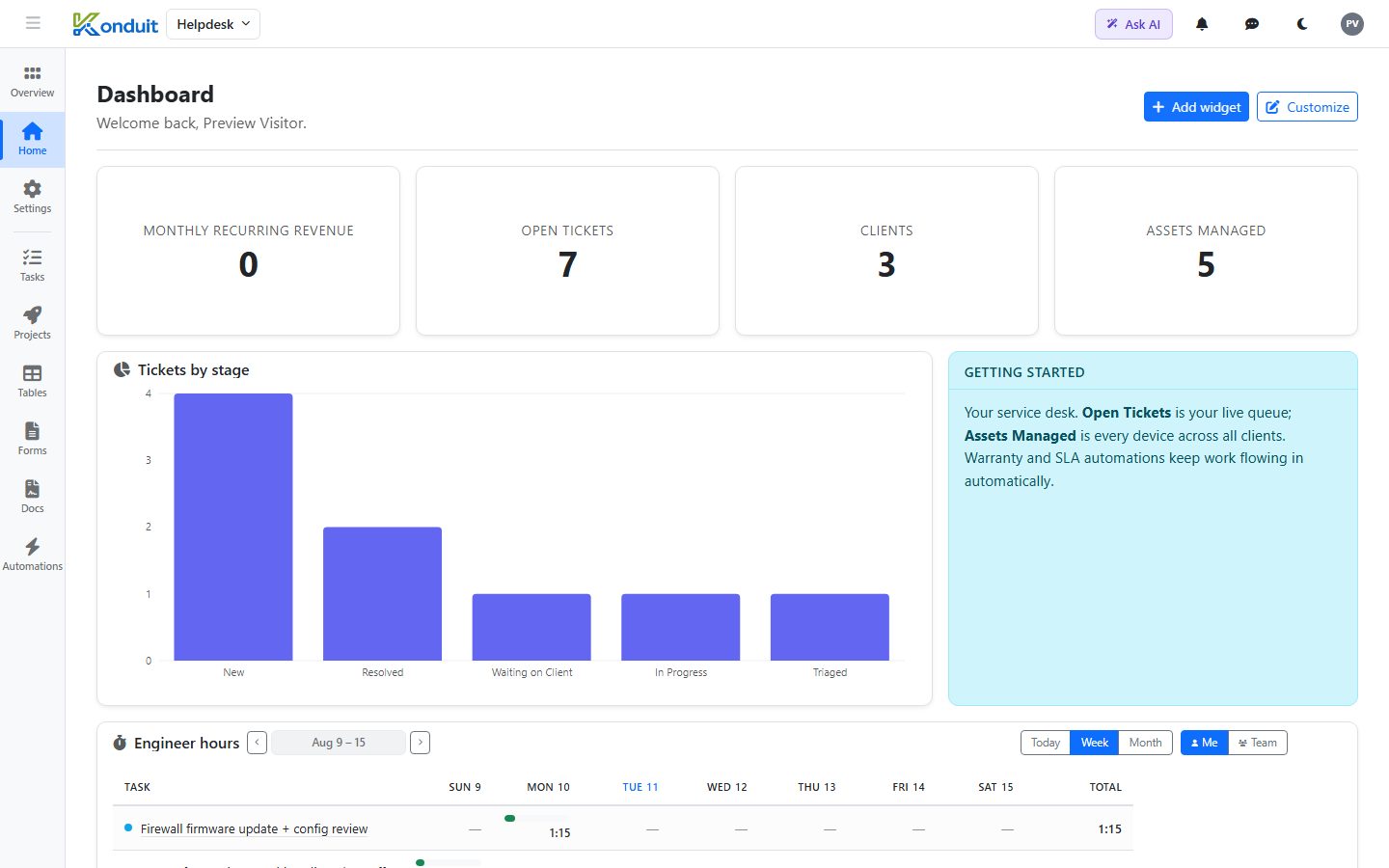
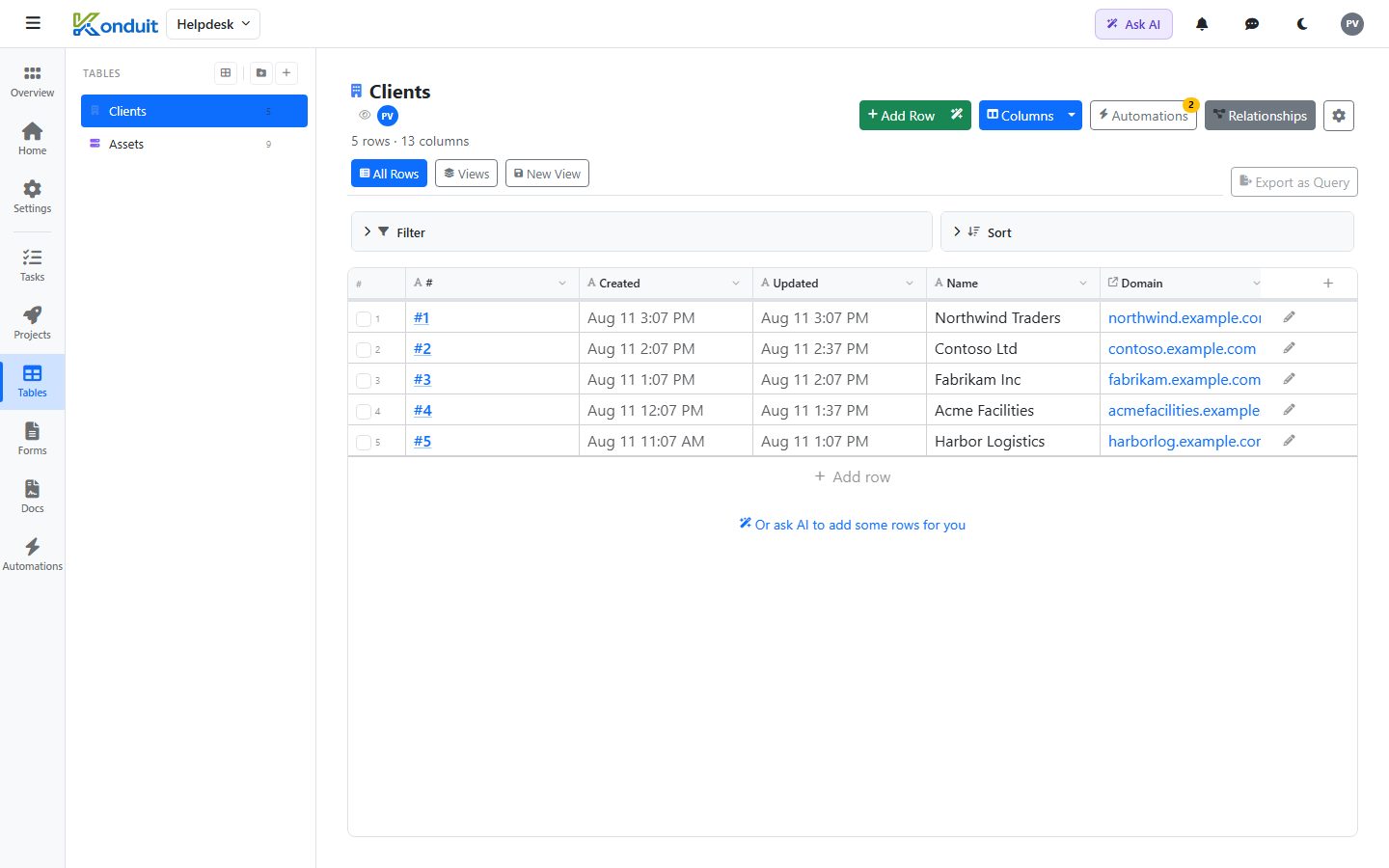
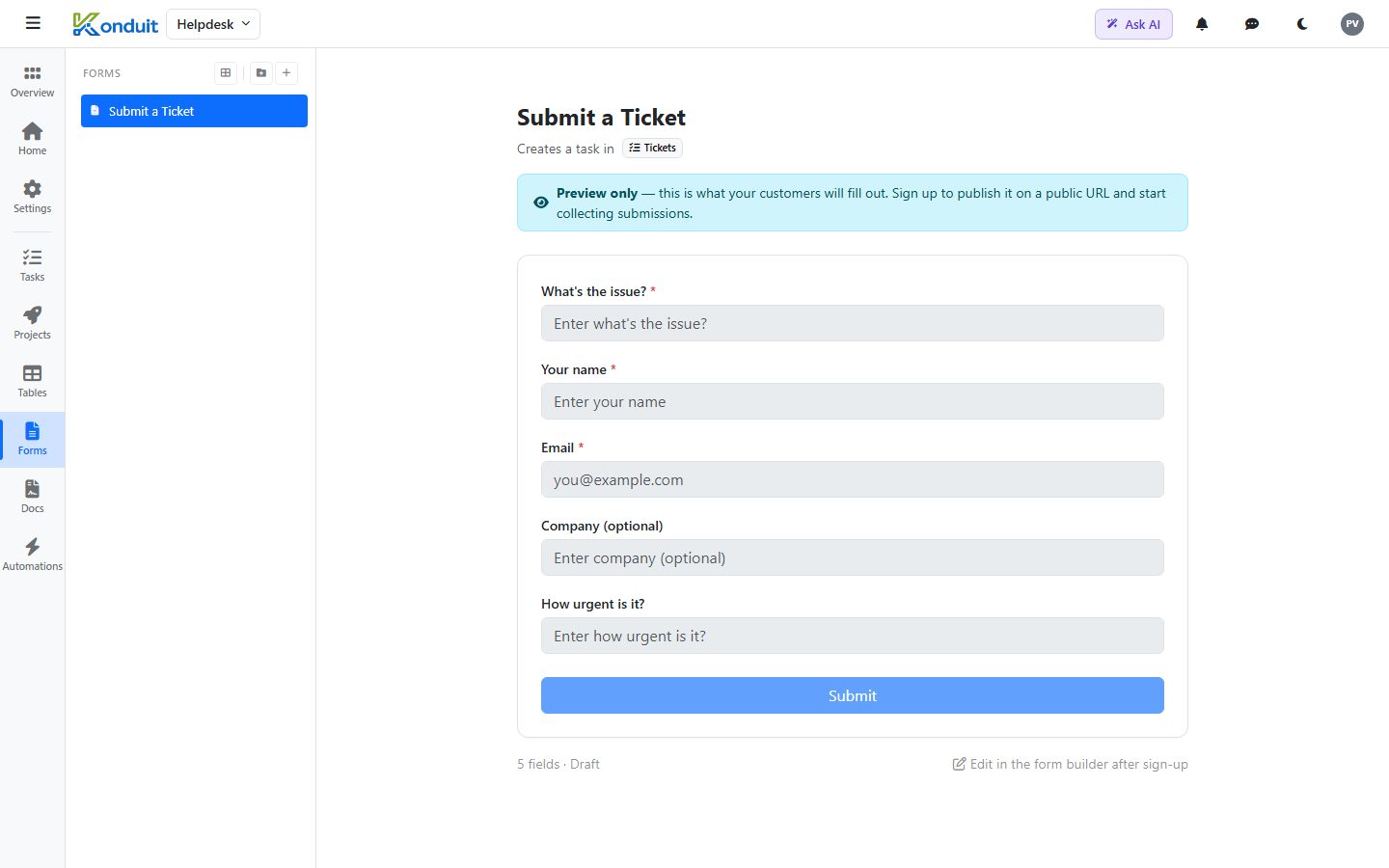
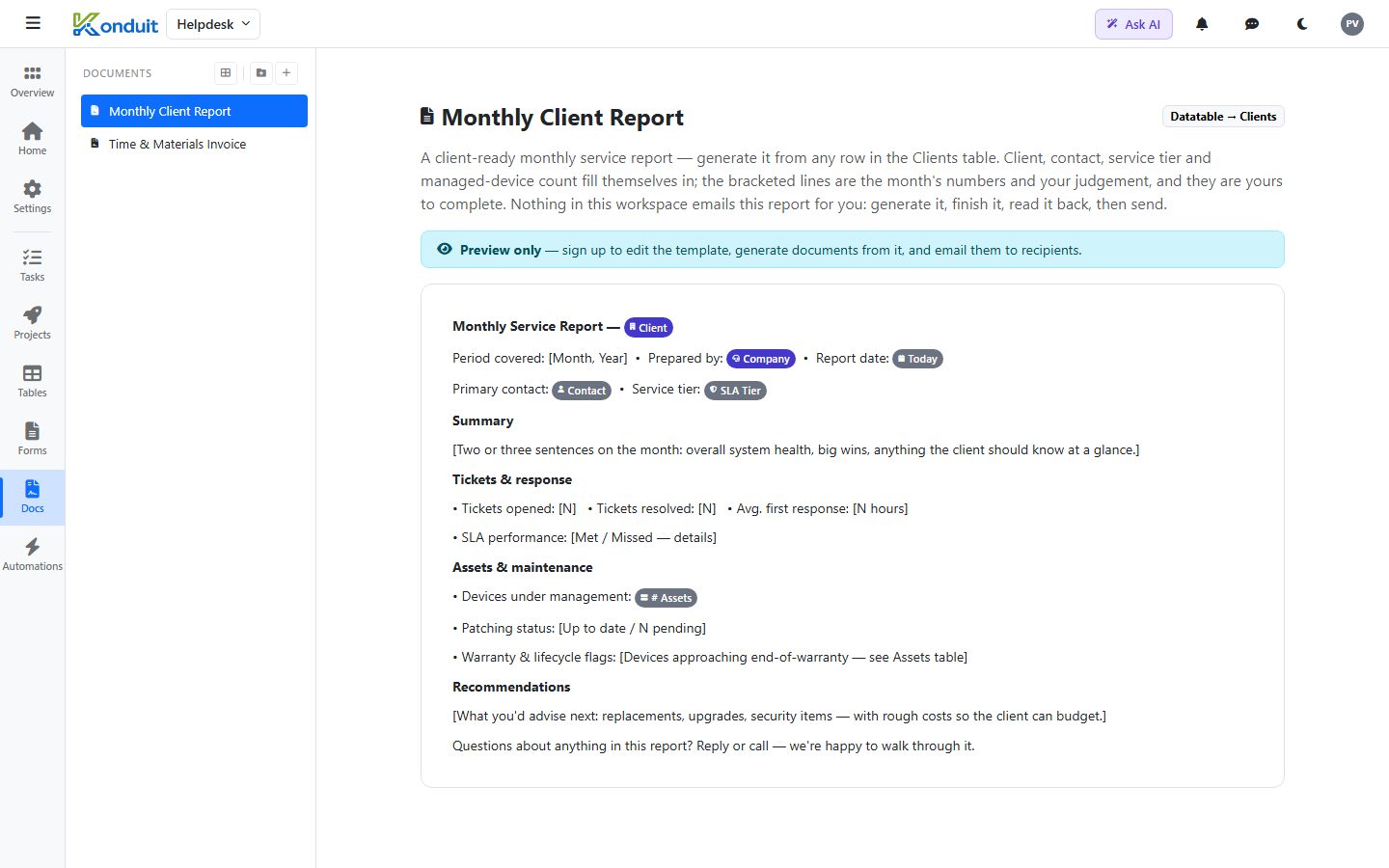
These are real screenshots of the template — click around the live version to try it yourself.
What’s included
Install IT / MSP Helpdesk and this is exactly what lands in your workspace — pre-built and populated, ready to rename or extend:
Plus 23 sample records so you can see it working before you add your own.
What it replaces
- ConnectWise / Autotask for a small MSP — heavyweight platforms sized for much bigger shops
- A shared inbox where tickets get lost
- A spreadsheet of client assets nobody keeps current
- Zendesk/Freshdesk plus a separate asset tracker
- A stopwatch app plus a spreadsheet to work out which hours were in contract and which you can bill
Who it’s for
Built for 2-40 people in it services who want to run their operations in one place instead of stitching together a task app, a spreadsheet, a form tool, and a document generator. Everything below is a real, working setup — not a screenshot. Install it, then make it yours.
A simpler alternative to ConnectWise, Autotask, and Zendesk
- ConnectWise / Autotask — built for MSPs at enterprise scale: quote-only pricing, no self-serve signup, and complexity to match
- Zendesk / Freshdesk — designed around the ticket, not the client relationship or the assets behind it
- A pile of spreadsheets — free, until something falls through the cracks
Frequently asked questions
Is it free to use this template?
The template is free to explore. When you install it, you get a 14-day Pro trial with no credit card required — so every automation and feature works while you evaluate. When the trial ends your workspace simply drops to the free plan; nothing is deleted and you're never charged unless you choose to subscribe.
Can I change it?
Completely. Every space, list, field, table, and automation is yours to rename, add to, or delete. The template is a head start, not a cage.
Is this a good ConnectWise alternative?
For a small team, yes. IT / MSP Helpdesk covers the core of what ConnectWise, Autotask, and Zendeskdo — without the enterprise price tag or the weeks of setup. You get a working system today, it runs on the free plan while you evaluate, and you only pay when you outgrow it. The trade-off: it’s deliberately simpler than the incumbents, which is the point.
What is Konduit?
One platform for running a business: tasks, a real database, forms, automations, documents, and reporting — instead of renting five separate tools. Templates like this one give you a working setup in minutes.
How do I get started?
Preview it live to click around, then “Use this template — 14-day free trial” to install it into your own workspace and start adding your real data.
Ready to run on IT / MSP Helpdesk?
Install it into your own workspace in a couple of clicks.
All product and company names are trademarks of their respective owners. Konduit is not affiliated with, sponsored by, or endorsed by them. Comparisons reflect our opinion of fit for small teams; evaluate every product against your own needs.