Team Project Hub
Coordinate a small team: a request form that opens tasks, an owned task board, and a live dashboard.
A shared workspace for a small team: an intake form that turns requests into tasks, a task board with owners and labels, a project to group the work, and a live dashboard. Sized to fit the free plan so a whole team can start coordinating in minutes.
See inside
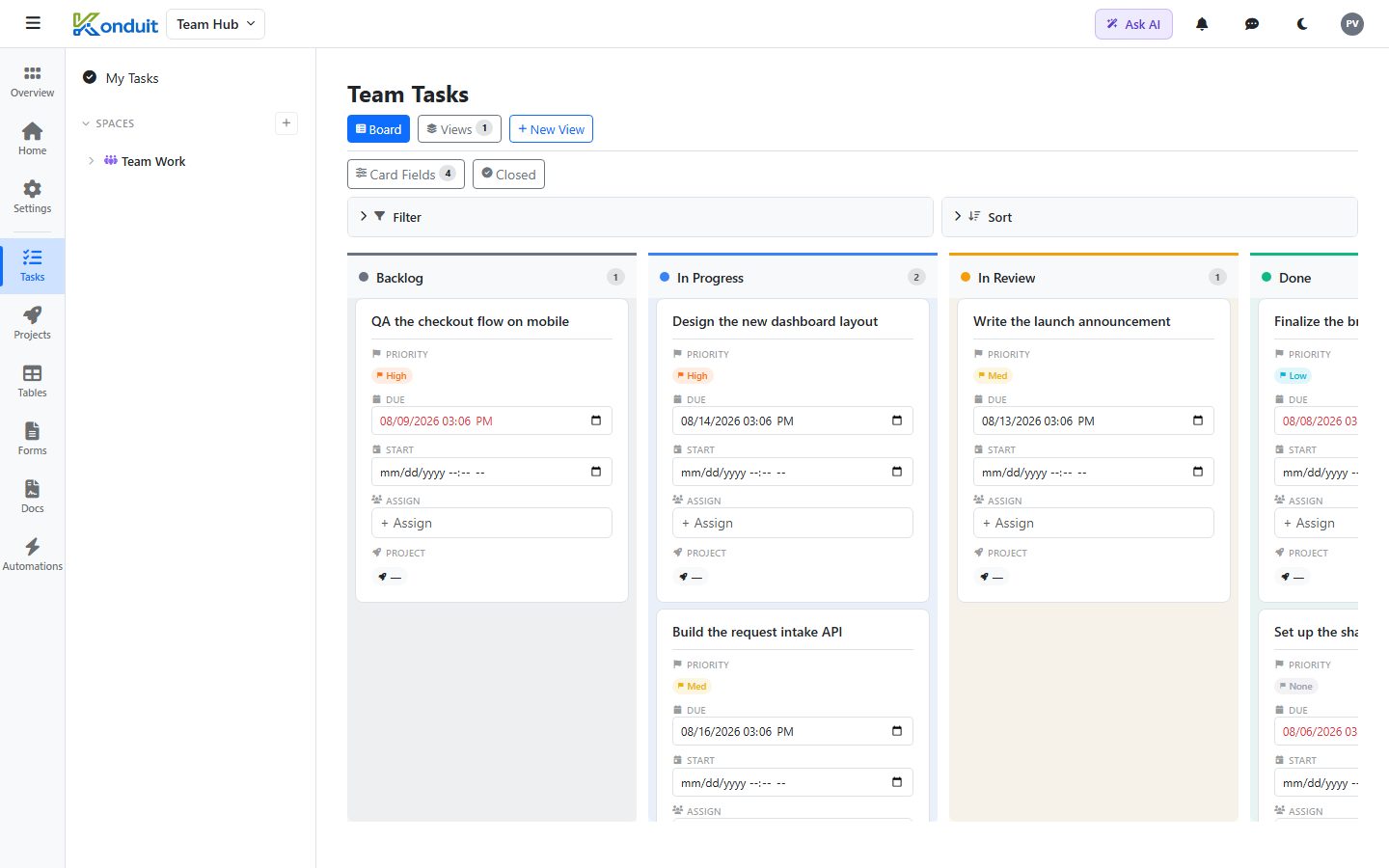
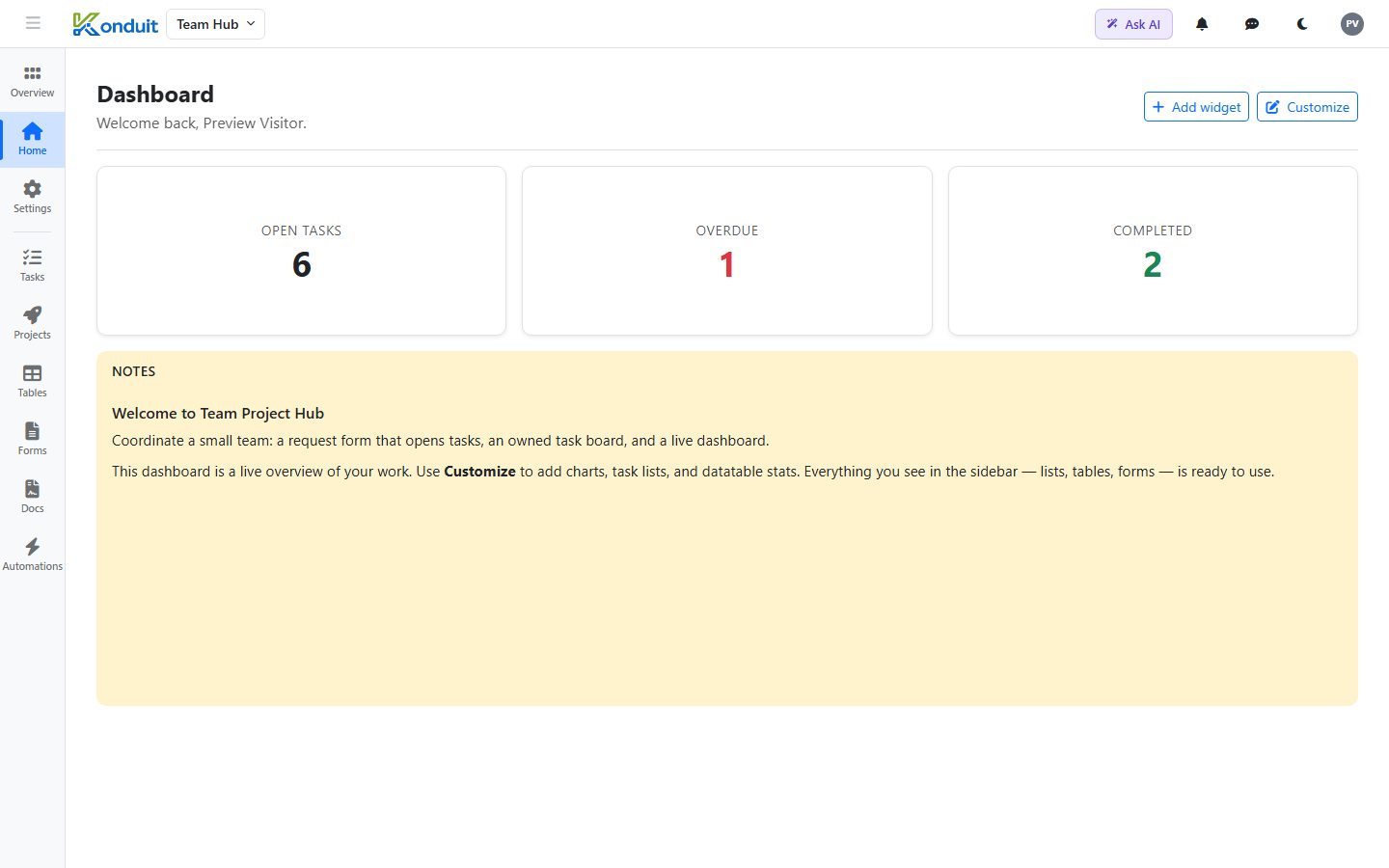
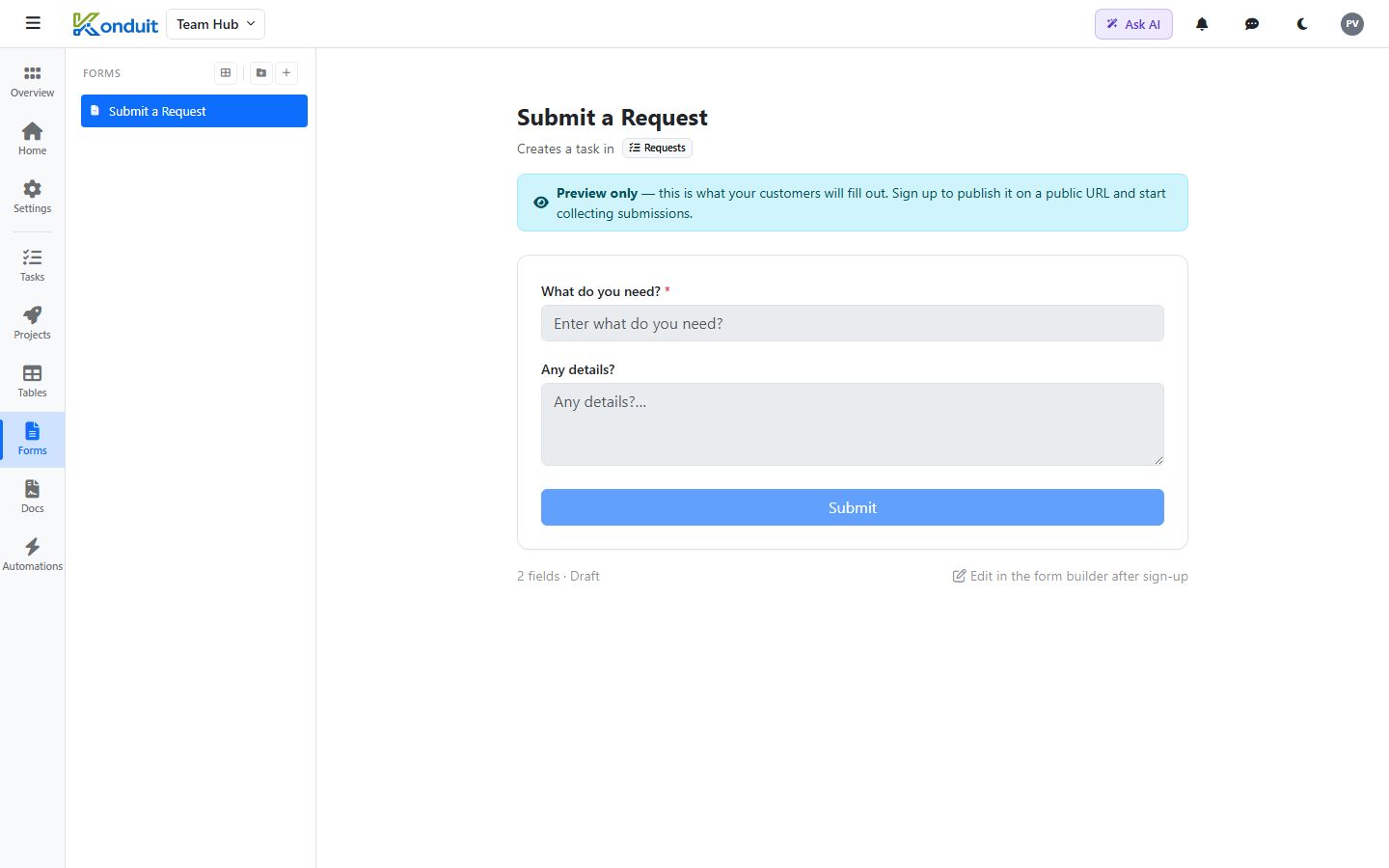
These are real screenshots of the template — click around the live version to try it yourself.
What’s included
Install Team Project Hub and this is exactly what lands in your workspace — pre-built and populated, ready to rename or extend:
Plus 8 sample records so you can see it working before you add your own.
What it replaces
- A group chat where requests get lost
- A shared spreadsheet nobody keeps updated
- Email threads for 'who's doing what'
Who it’s for
Built for 2-10 people in personal & team who want to run their operations in one place instead of stitching together a task app, a spreadsheet, a form tool, and a document generator. Everything below is a real, working setup — not a screenshot. Install it, then make it yours.
Frequently asked questions
Is it free to use this template?
Yes. This template and everything in it runs on the free plan — no credit card, no trial clock. You can use it as long as you like.
Can I change it?
Completely. Every space, list, field, table, and automation is yours to rename, add to, or delete. The template is a head start, not a cage.
What is Konduit?
One platform for running a business: tasks, a real database, forms, automations, documents, and reporting — instead of renting five separate tools. Templates like this one give you a working setup in minutes.
How do I get started?
Preview it live to click around, then “Use this template — free” to install it into your own workspace and start adding your real data.
Ready to run on Team Project Hub?
Install it into your own workspace in a couple of clicks.